Where AI actually pays
Pick the workflow first. The tool below does the triage.
AI integration in business: choose use-cases that pay off.
Most AI projects fail on the target, not the tech. Teams pick the use-case that demos well instead of the one that pays. The tasks that pay share three traits: they run often, they follow clear rules, and a human error on them costs real money. Everything else is a science fair.
That filter works in any department — support, finance, operations, sales, HR. You are not asking "can AI do this?" You are asking "does this task run often enough, follow rules tightly enough, and cost enough when it is wrong to be worth building?"
I'm David Weaver, a solo builder. I design, build, deploy, and answer the contact form — one person, no handoffs. The tool below scores a candidate use-case in about a minute. No email required.
01
Which task should you automate first?
Which AI for your use-case?
Answer three questions. Get a build recommendation — architecture shape, not a vendor pitch.
Primary goal
Data situation
Cost of being wrong
Recommendation
Grounded support assistant
Retrieve from your docs, answer with citations, escalate cleanly. Meter usage, log failures, never invent policy.
02
The filter: which tasks actually pay
A task earns AI when it clears all three tests. Clearing one or two makes a demo, not a payoff.
High volume
It runs dozens or hundreds of times a week. Automating a monthly task saves an afternoon a year — never worth the build.
Rule-heavy
There is a right answer you can write down. If two experts disagree on every case, the model will guess too.
Error-prone by hand
People get bored and slip. When a wrong answer costs money and you can catch it, AI earns its keep on the first pass.
03
The same filter, across departments
Where the first paying use-case usually hides in each team.
| Department | Task that usually pays | Why it clears the filter |
|---|---|---|
| Support | Tag and route incoming tickets | Hundreds a day, clear categories, misroutes waste hours |
| Finance | Match invoices to purchase orders | High volume, strict rules, a bad match leaks money |
| Operations | Pull fields off PDFs and forms | Repetitive, structured, manual entry breeds typos |
| Sales | Draft first-pass replies to inbound leads | Constant flow, templated, slow replies lose deals |
| HR | Screen applications against fixed criteria | High volume, defined rules, tired humans get inconsistent |
Start behind the curtain. Internal tasks fail quietly and cheaply; customer-facing ones fail in public.
04
Start where it's boring
The use-case pitched in the meeting is the exciting one — the assistant, the copilot, the thing you show the board. It rarely pays first. The work that pays is dull: routing tickets, matching invoices, pulling fields off a form. It runs constantly, follows rules, and quietly costs you errors.
Boring is the advantage. A task with clear rules is easy to test, easy to trust, and easy to prove in a week. You learn whether AI helps before you bet a quarter on it. Save the ambitious idea for after you have banked a small, real win.
05
The cost-of-being-wrong test
Volume and rules are not enough. Ask what a wrong answer costs, and whether you would notice. If a mistake is cheap and invisible, automating it saves little and risks trust. If it is expensive but catchable — a mismatched invoice, a misrouted ticket — that is the sweet spot. AI does the first pass; a person checks the flags.
This is also where you draw the data boundary. Name what the model is allowed to see, and what stays out, before anyone writes code. A use-case that only pays if you hand a vendor your entire customer database usually is not worth it.
06
One use-case through the filter
Take invoice matching. Volume: a mid-size firm processes thousands a month — clears the first test easily. Rules: an invoice matches a purchase order on vendor, amount, and line items, and you can write those rules down — clears the second. Cost of error: a wrong match pays the wrong amount or the same bill twice, and it shows up on a reconciliation — expensive, but catchable. Clears the third.
So the model does the routine matches and flags the rest for a person. Now flip it: 'draft our quarterly board narrative.' High stakes, but it happens four times a year and there is no rule for a good story. Low volume, no clear right answer — it fails two tests. Interesting to demo, wrong to build first.
07
Ranking a backlog you already have
Most teams do not lack ideas — they have twenty and cannot choose. Score each on the same three axes and the list sorts itself. A task that is high-volume, rule-heavy, and error-prone rises to the top. One that is occasional and judgment-heavy sinks, however good the pitch.
Take the top one all the way to production before starting the second. A single shipped use-case that saves real hours buys more credibility than five half-built pilots. Momentum compounds; a graveyard of demos does not.
08
Proving the payoff, not assuming it
Before you build, measure the task by hand: how many times it runs, how long each pass takes, how often it goes wrong today. Those numbers are your baseline. After the build, the same three numbers tell you whether it paid — hours returned, errors caught, cost of the misses that slipped through.
If you cannot state the baseline, you cannot prove the win, and the project turns into a story instead of a result. Proof of the same discipline lives at /work — live products you can open and click, not a slide deck. Judge the craft in production before you commission anything.
Proof over promises
Open the work. Judge it live.
2026 · Software · Retired
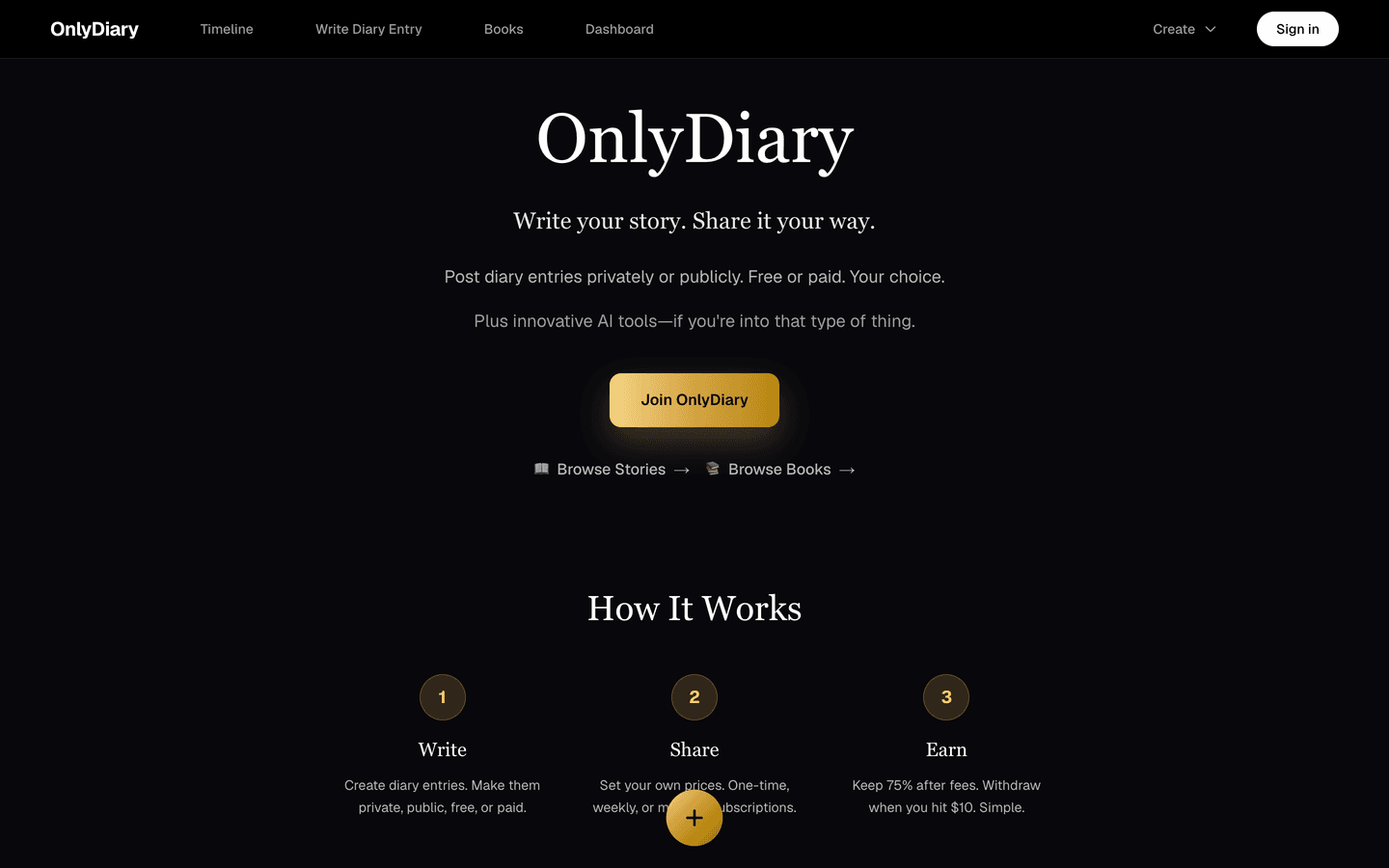
OnlyDiary
An AI journaling and creative-publishing platform with real billing on two payment rails.
2026 · Software · Prototype
MarketScanner
A Kalshi prediction-market scanning agent in pure Python. When code can spend money, the safety rails are the product.
2026 · Software · Shipped
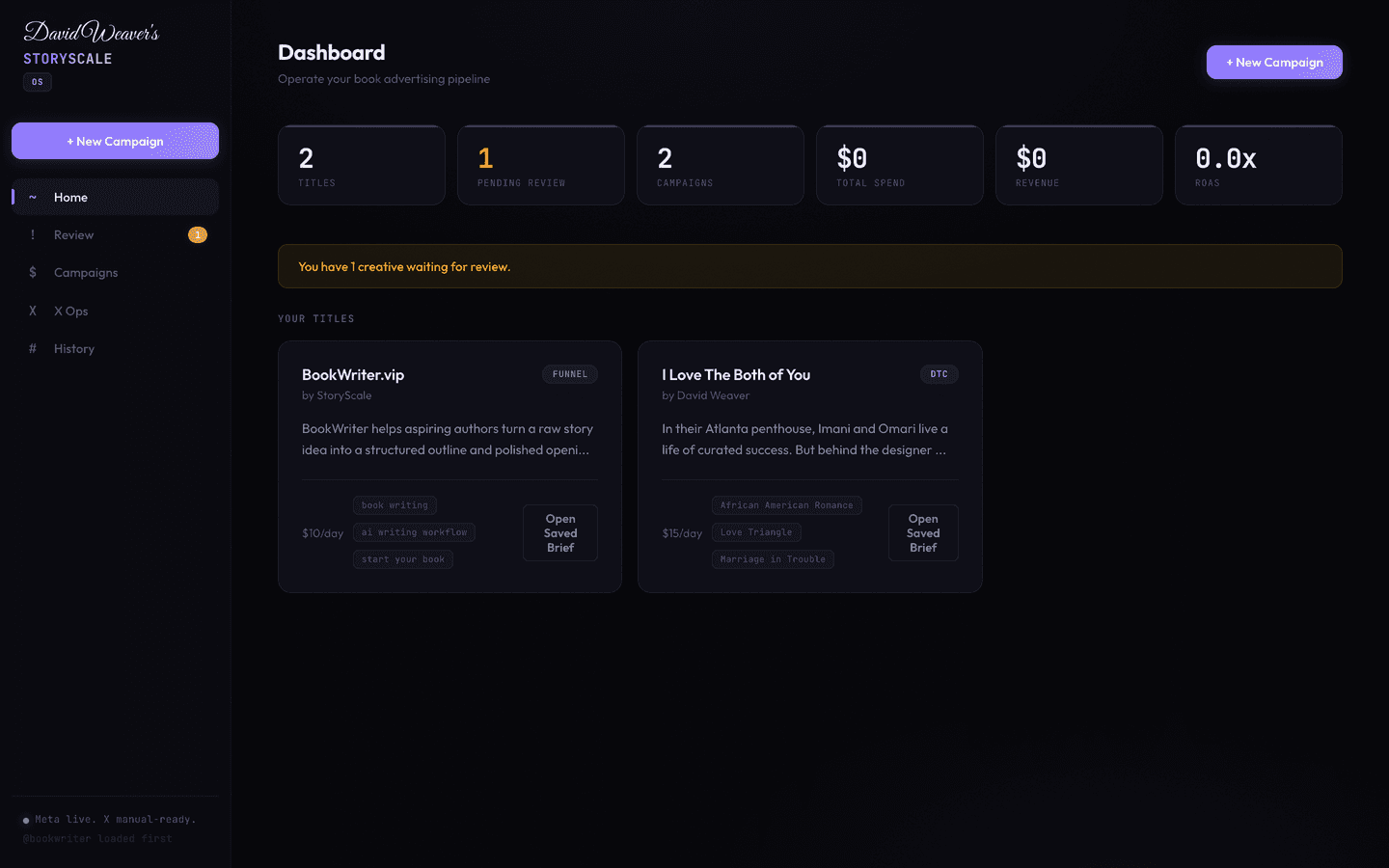
StoryScale
The internal growth engine behind BookWriter and BookReader — 20+ operational scripts, 36 API routes, ads, and video rendering.
Straight answers
Asked often. Answered honestly.
- Which department should we hand our first AI use-case?
- Wherever a high-volume, rule-heavy task is quietly costing you errors. Support ticket triage and finance invoice matching are the most common first wins — both run constantly and have a clear right answer you can check.
- How do I tell a good AI use-case from a bad one?
- Run it through three tests: does it run often, does it follow rules you can write down, and does a human mistake on it cost real money you can catch? Clear all three and it is worth building. Miss one and it is a demo.
- Should we start with a customer-facing use-case or an internal one?
- Internal, almost always. An internal task fails quietly and cheaply while you learn the tool's limits. A customer-facing one fails in public. Bank a behind-the-curtain win first, then decide if the risk of a front-of-house use-case is worth it.
- What kind of task should we not hand to AI?
- Low-volume work, judgment calls where experts disagree, and anything where a wrong answer is invisible until it is expensive and cannot be checked. If you cannot describe the right answer, the model cannot either.
- We have a dozen ideas. How do we rank them?
- Score each on volume, rule-clarity, and cost-of-error, then do the top one to production before touching the next. The tool on this page does the scoring; the discipline of shipping one at a time is on you.
- Do we have to replace our software to add AI?
- No. The best early use-cases sit as a layer on top of the tools you already run — reading your tickets, your invoices, your forms — rather than a rip-and-replace. That keeps the blast radius small and the rollback easy.
- How do we prove it actually paid off?
- Measure the task before you touch it — how often it runs, how long a pass takes, how often it goes wrong. After the build, compare the same three numbers. Hours returned and errors caught are the payoff. No baseline, no proof.
You've scored a use-case. Send it with a sentence about the workflow and I'll tell you whether it's worth building — free, from the builder.