One example, taken apart
The knit above is example #1 — a cheap cousin of the homepage loom. Tear it, then read the teardown.
Interactive website examples, taken apart layer by layer.
Most pages ranking for this search are galleries: twenty thumbnails, a paragraph each, nothing you can open. A thumbnail teaches you what interactive looks like. It cannot teach you how one is built, or why it survives a slow phone. So instead of a list, this page hands you one real example and strips it to the frame.
The example is the loom on this site's homepage — a live WebGL scene you can pull apart with your cursor. Not a video of a scene. The actual thing, running in your browser. Below, I open it up: which part paints first, which part waits for your hand, and why that order is the whole trick.
I'm David Weaver. I built the loom, the knit fabric in the header above, and every product at /work — one person, no handoffs. The tool below runs the teardown live; the sections after it are the field guide.
01
Open the loom and watch it come apart
Anatomy of an interactive site
Click through the stack. This is how award-caliber interaction ships without torching Core Web Vitals — the same architecture as this site's homepage loom.
Layer 1 — LCP (text first)
Server-rendered H1, lede, and CTA in the first HTML. No canvas on the critical path. Google and humans both get meaning before spectacle.
Steal the architecture free. Hire the implementation when you want it done right the first time.
02
The homepage loom, part by part
Five moving pieces make one interactive hero that still passes Core Web Vitals. Here is each one, and the job it does.
A photograph is the hero — not the canvas
The first thing you see is a still image (AVIF, quality 55, ~40% lighter than the default), preloaded with high fetch priority. It is the LCP. The page paints a picture, not a 3D engine.
The live scene mounts on your first move
The Three.js scene is imported dynamically and only mounts on the first pointer, scroll, touch, or key. A passive visit — including a Lighthouse run — pays zero of the WebGL cost.
Thread count scales to the device
~2,600 threads on a strong desktop, ~1,100 on a weaker one, ~500 on a phone. Reduced-motion, no-WebGL, or save-data drops to a 'poster' tier that keeps the still and never mounts the scene.
The render loop sleeps when you stop
Once the scene settles and your pointer is idle ~400ms, the animation loop parks. Scroll it off-screen or hide the tab and it pauses. A static scene burning the main thread is a bug, not a feature.
The header knit is the 2D cousin
Your search phrase, drawn crisp, then torn into stitches by your cursor on a plain 2D canvas — the loom's break-and-reweave idea at a fraction of the cost, built after the H1 paints.
03
The move every good example hides
The most interactive page on this site opens with a static picture. The WebGL only arrives when you reach for it. That is the trick, and almost nobody who searches for examples notices it: the thing that must paint fast (a headline, one image) is separated from the thing that must feel alive (a scene, loaded on demand).
Bolting a canvas onto a hero is easy. Keeping it off the load path — so the page is fast for the visitor who never touches it, and rich for the one who does — is the actual craft. When you study any example, that split is what you are really grading.
04
The loom, in four real numbers
- 0 KB
- Three.js shipped on a passive visit
- 2,600 → 500
- Threads, strong desktop down to a phone
- ~40%
- Bytes cut by the AVIF q55 hero still
- 400 ms
- Pointer-idle before the render loop parks
05
What the loom does, and when
Same page, five different moments. Interactivity is a schedule, not a switch you leave on.
| Moment | What happens | What it costs |
|---|---|---|
| Page load | Photo hero paints; the H1 is the LCP | One preloaded image, no 3D engine |
| First pointer / scroll / key | The Three.js scene mounts and fades in over the still | The heavy init, paid once, on demand |
| You stop moving (~400ms) | Render loop parks itself | Zero main-thread work at rest |
| Scroll away or hide the tab | Scene pauses | No off-screen battery drain |
| Reduced-motion / no WebGL | Still stays; scene never mounts | Nothing beyond the photo |
The header knit follows the same law: it builds after first paint and animates only while your cursor is inside it.
06
How to take apart an example on your own shortlist
When a gallery calls something an interactive website example, check it the way I just showed you. Open it on a phone over cellular, not a reel on YouTube. View source: is the headline real text in the HTML, or an empty div waiting on a bundle? Throttle the CPU in devtools and see if it still answers your cursor. Then try to break it — leave it running a minute and watch for jank.
If a studio can only show you a video, ask why the live version isn't linked. Real examples survive being opened on a bad phone. Other pages on this site rank the prettiest sites or catalog the motion patterns; this one takes a single live example apart. It's at the top of the page — go break it.
Proof over promises
Open the work. Judge it live.

2026 · Software · Shipped
Black Nile
A conversational website builder where small businesses talk, a site appears, and their own AI answers customers — metered to the credit.
2025 · Games · Shipped
Slaptopia
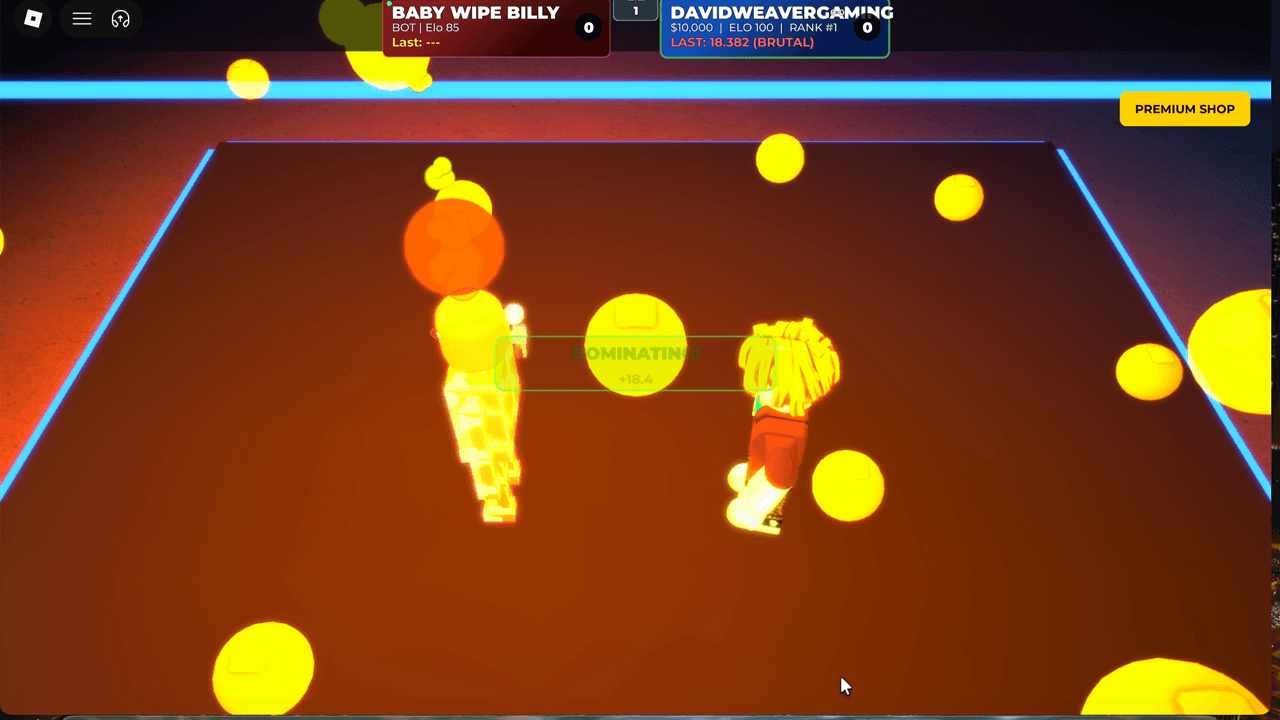
Ranked 1v1 and 2v2 slap battles — new players start equal, timing decides, and the belt ladder remembers.

2026 · Writing · Shipped
BookReader
Cinematic audiobooks where the listener names the price — pay what you want, minimum ninety-nine cents.
Straight answers
Asked often. Answered honestly.
- Is the loom on the homepage a video or a real interactive scene?
- A real Three.js scene, running in your browser. It mounts on your first interaction, so if you view source before touching the page, the live canvas isn't there yet. Touch it and it appears — that's the actual engine, not a recording.
- Why does a site about interactivity open with a static image?
- Because the still is the LCP, so the page paints fast for everyone. The WebGL scene loads on the first pointer, scroll, or key. Passive visits and Lighthouse runs never pay the Three.js cost at all.
- How do I tell a live interactive example from a recorded demo?
- Open it on a phone over cellular, view source for real HTML text, throttle the CPU in devtools, and try to break it. A reel proves the render looked good once. A live build proves it holds up when you poke it.
- Can you build an effect like the loom on my site?
- Yes, as a commission. The homepage version is Three.js; the lighter knit in this page's header is a 2D-canvas cousin that costs almost nothing. Describe the hero you want and I'll tell you which approach fits.
- Will an effect like this hurt my Core Web Vitals?
- Not if the still is the LCP and the scene is lazy. On a passive load this site ships zero bytes of Three.js, and the loop sleeps when you stop moving. The measurement is the point, not an afterthought.
- How does something this heavy stay smooth on mobile?
- The scene reads the device tier and drops from ~2,600 threads on desktop to ~500 on a phone. Weak, no-WebGL, or save-data devices keep the still image and never mount the scene at all.
You've seen one example stripped to its parts. Want that architecture on your own hero? Describe the outcome and I'll reply with a plan.